How to gather family photos from relatives abroad
The photos you want most are on other people's phones, often in other countries. One short message, one link and one line per photo is how to get them into one place with the names attached.
Starting a CircleBy Joe Brazao3 min read
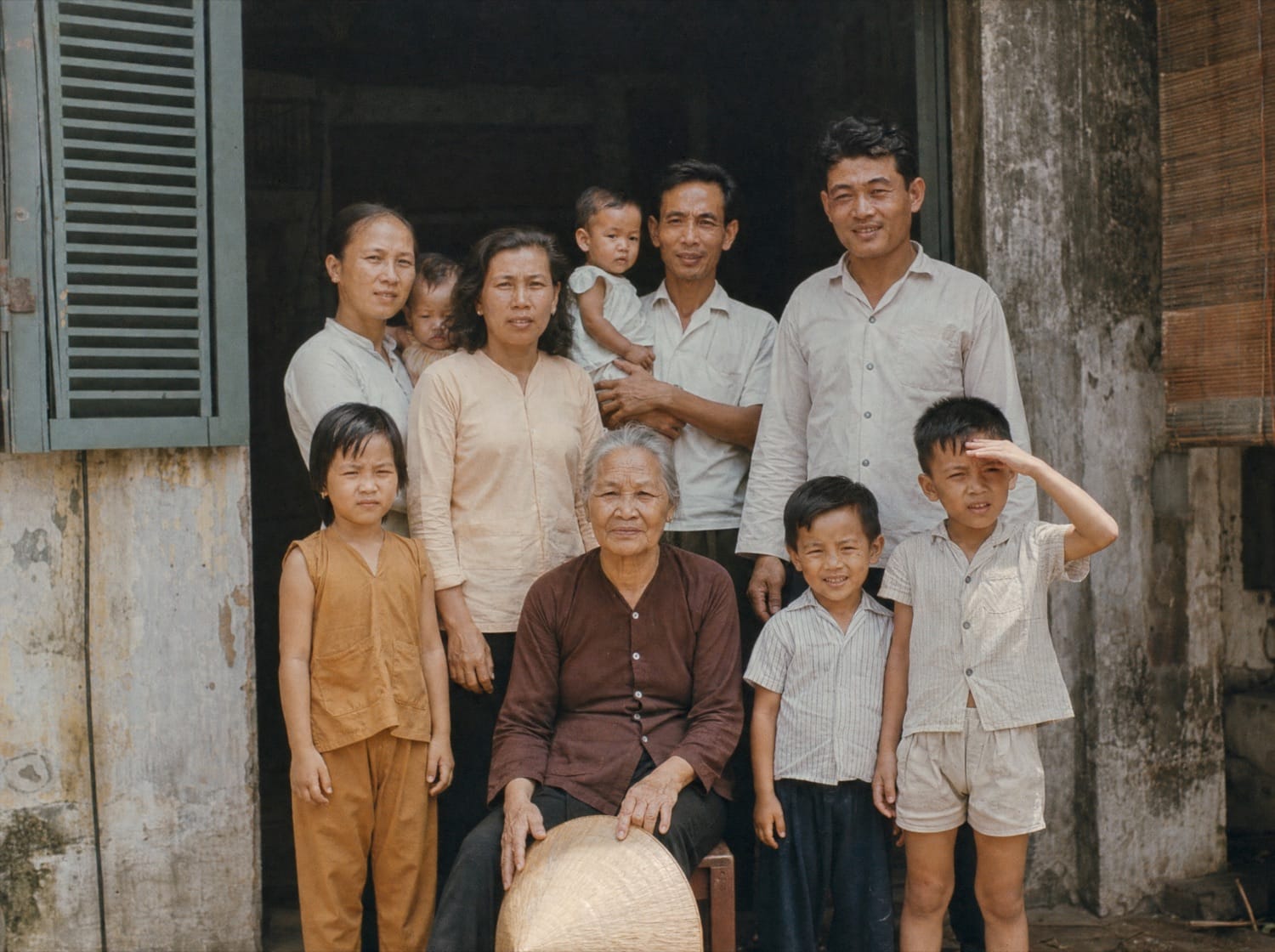
Your family has the photos. They sit on phones in three countries, in a box found during a move, and in a group chat nobody can search. The ones you want most are the ones other people took, and those are the hardest to reach.
Why the photos you want are on someone else’s phone
Count what you actually hold. Most people keep a thin slice of the family story: their own camera roll and a few shots they were sent. Your cousin in Toronto has the rest of the wedding. Your aunt in Portishead has the only pictures from one particular summer. Your dad has the box from the house move.
Photos stay with the person who was there, and that person lives somewhere else. Chasing them one by one does not scale: you send ten messages, get two replies and lose the thread. You need everyone in the same place from the start.
Ask in one short message
Keep the ask small and specific. A request for all your photos gets ignored. A request for four pictures from one day gets answered.
Write one message you can reuse. Say what you are gathering, what you need and how little effort it takes:
We’re gathering everything from Mum’s 70th into one place. Can you add your photos from that weekend? It takes a minute, and you join free from this link.
Then put your Circle’s invite link in it. Your relatives open it in their browser, sign up free with an email address or Google, and they are in. There is nothing to install and nothing to pay.
Send it to the group rather than to fifty separate chats. Once the first few photos are in, the rest tend to follow.
Get names, places and dates with every photo
A pile of photos without context is still a pile. Fix that as people add them, not months later.
Ask for one line with each upload: who is in it, where it was taken, roughly when. In Cirluma that line stays with the photo, in the name of whoever added it.
Voice notes do the heavy lifting. Your uncle can say the names out loud in ten seconds, faster than he could type them, and his memory stays with the picture.
When a face still has no name, ask Cirluma. It answers from what your Circle has already added, and when nobody has said yet, you know exactly who to ask next.
What you can do once they are in one place
Once everything sits in the same Library, you can do what a scattered camera roll never allowed. Restore a print from one phone photo. Extend a photo to fit a frame. Ask your photos who is in them.
You can also gather one weekend from everyone who was there. Each person adds their photos and what they remember, and Cirluma joins the pieces into one story, every part credited to whoever told it.
None of it is public. Privacy, built in, and private Circle content is not used to train general-purpose AI models.
Start with the relative who replies first
Every Circle begins with one person and one link. Pick the relative who always answers, send the message, and let them add the first batch. Two more will follow.
Gather the photos while the people who were there still remember who is who. That part is easy today and hard in ten years, and it is the reason to start now.
Read the Journal on Google? Add Cirluma as a preferred source.
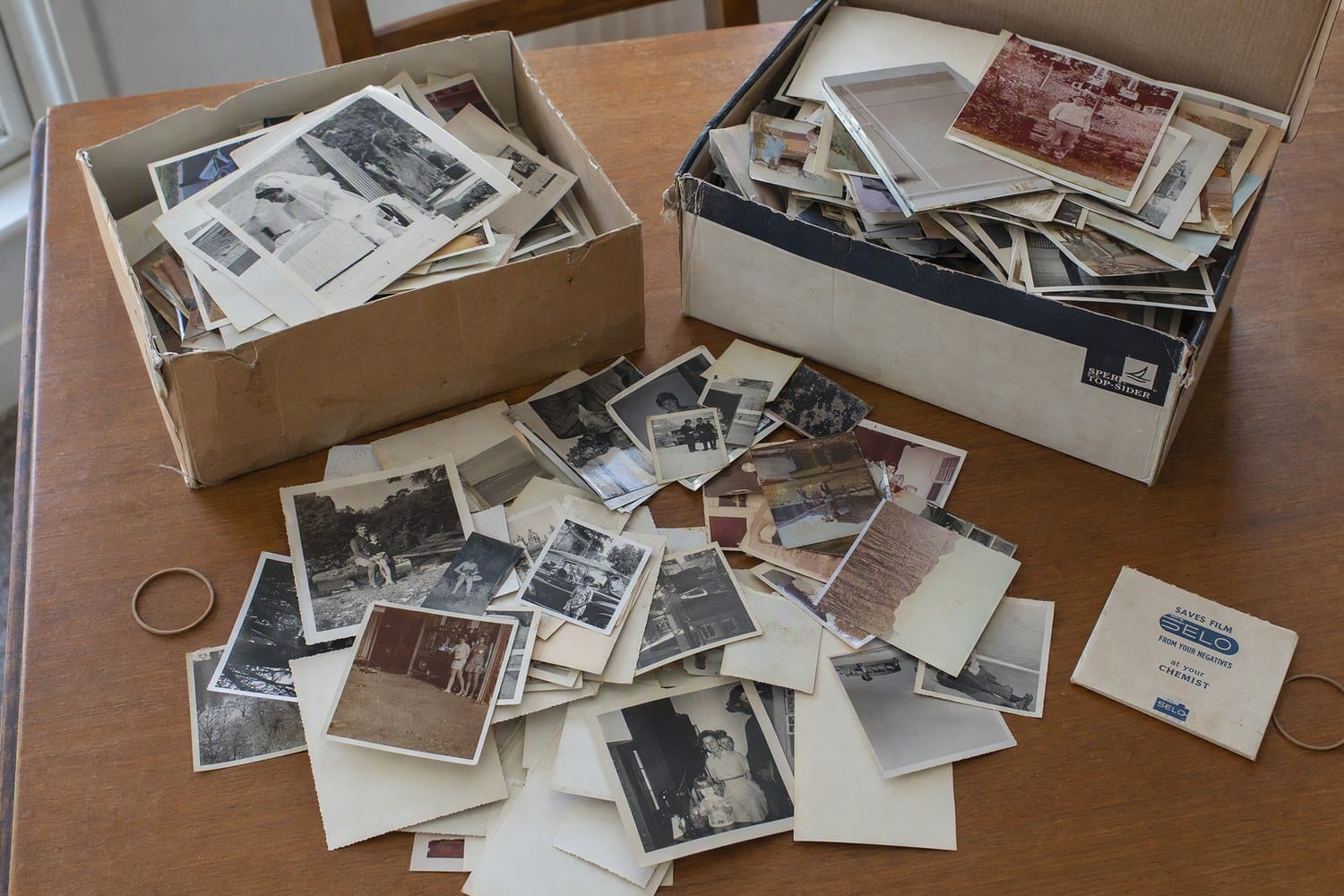
How to digitise a box of family photos with your phone, and keep the names with them
A phone in daylight is enough to copy most family prints well. The part most guides skip is capturing who is in each photo while the box is open and the right person is in the room.
Starting a Circle3 min read
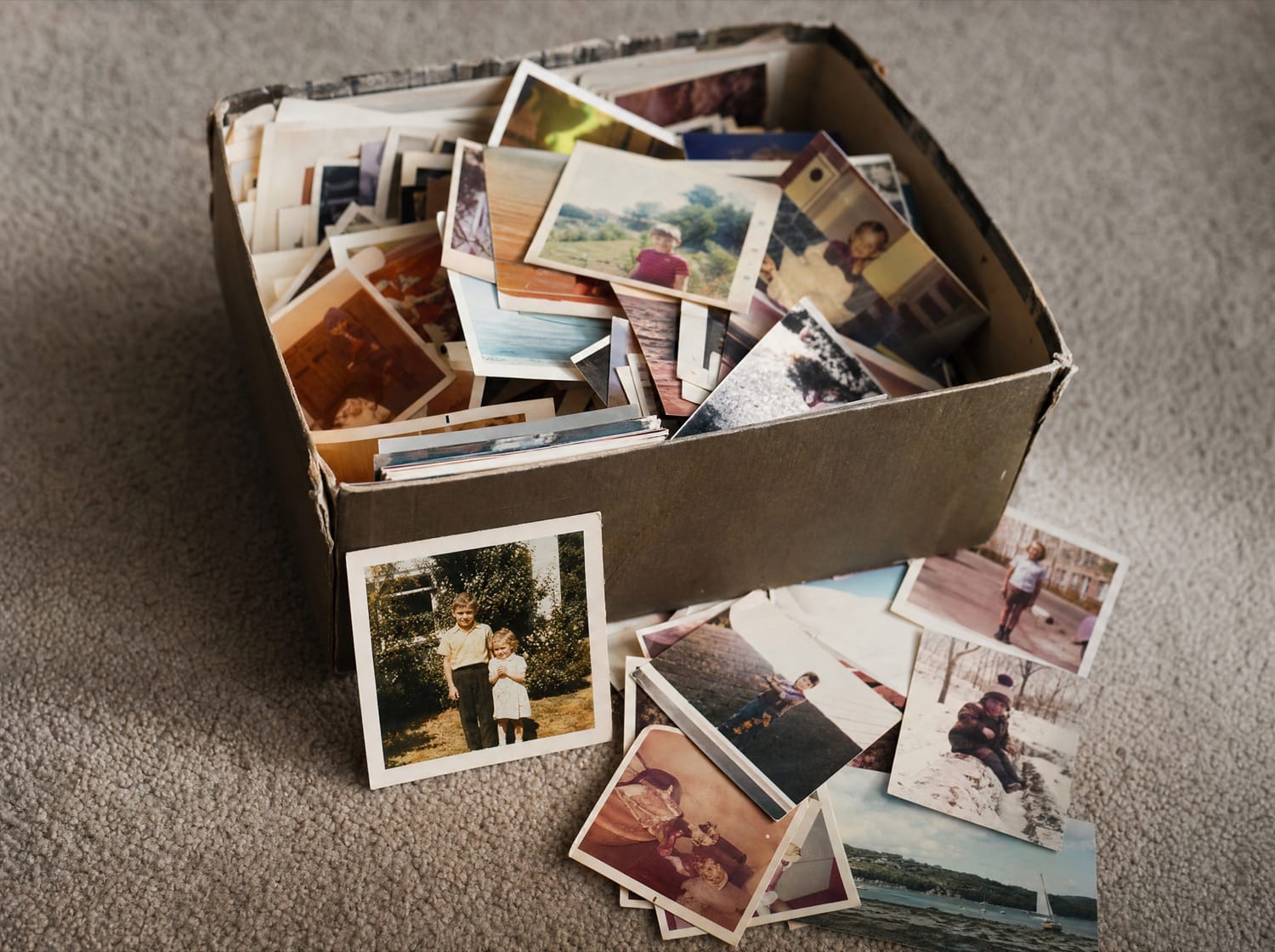
Getting photos out of social media and cloud libraries
Exporting the files is the easy part. The comments underneath them hold the names and the dates, and most export routes throw them away.
Starting a Circle3 min read




Start with one Circle
Bring together the people, photos, voices and stories that matter.