Group chat vs a private photo Library: where your photos should live
A group chat is perfect for the weekend and poor at keeping it. An honest comparison of what each does well, and how to use both without asking anyone to give up the chat.
Circles in practiceBy Joe Brazao3 min read

Every group has a chat, usually on WhatsApp. It carries the plan, the jokes and four phones’ worth of one weekend. It is where the photos land first, and where they usually stop. This is an honest comparison of the chat and a private Library, and how to use both.
What a group chat does well
A chat is fast, and everyone already has it. Someone shares a photo, three people react, and the moment is marked. For a wedding, a reunion or the festival you go to every summer, that is often enough for the weekend itself.
A chat also asks nothing of anyone. No folder to name, no rules to agree on. That low effort is why it spreads, and why the same group keeps coming back to it.
Where the story goes missing
The trouble starts when you want to find something later. A chat scrolls, so a photo from last summer sits below a hundred messages about parking. Who is in it is rarely written down. The names live in someone’s head.
There is no place to keep a voice note with the photo it explains, and no way to ask the photos a question and get an answer. Nothing is lost, exactly. The story behind the photo just never gets recorded, while everyone who knows it is still around to tell it.
What about a shared album?
A shared album in iCloud or Google Photos is the usual next step, and it fixes the scrolling: the photos sit together, away from the messages. Everyone can add to it and leave a comment.
It still keeps the picture rather than the story. Comments sit under one photo and scroll away like a chat does, and nobody can ask the album who is in a picture or what happened that day. Check the quality, too: iCloud Shared Albums made before iOS 27 store a smaller copy of each photo unless the owner upgrades them. A shared album is a good place to collect. It is not built to remember.
What a private Library adds
Cirluma is a private Library for a Circle of family, friends or teammates. The Circle adds photos from any year, then tells the stories behind them in writing or in their own voice. Each memory stays in the name of whoever shared it.
Ask Cirluma who is in a photo, where it was taken or who was standing at the back, and it answers from what your Circle has told it. Ask about a whole weekend and Cirluma joins everyone’s memories into one story, each part credited.
Cirluma also restores a print from one phone photo, and extends a photo to fit a frame, designed to keep faces recognisable. Your Original is never changed.
Privacy, built in
A Circle is closed to everyone outside it. Nothing is public, and private Circle content is not used to train general-purpose AI models. You invite people with a link, and they join free.
That matters more than storage. You are not choosing a folder size. You are choosing who can see the photos, and who the memories attached to them belong to.
How to choose
Keep the group chat. It is good at the weekend and it is already open. Add a Library for what you want to keep asking about, with the people who were there. The two do different jobs.
Move one set of photos across first: one event, one box, one year. Invite the two or three people who know the names. Once their memories are in, the Library answers questions the chat never could.
Start with one Circle
Pick the group you already talk to most. Gather the photos, ask the questions, and let everyone add what they remember. The chat keeps the plan. The Library keeps the story.
Read the Journal on Google? Add Cirluma as a preferred source.

How to build a private photo Library for a team
Getting a season, or forty years of a club, out of everyone's phones and lofts and into one place that outlives the current committee.
Circles in practice4 min read
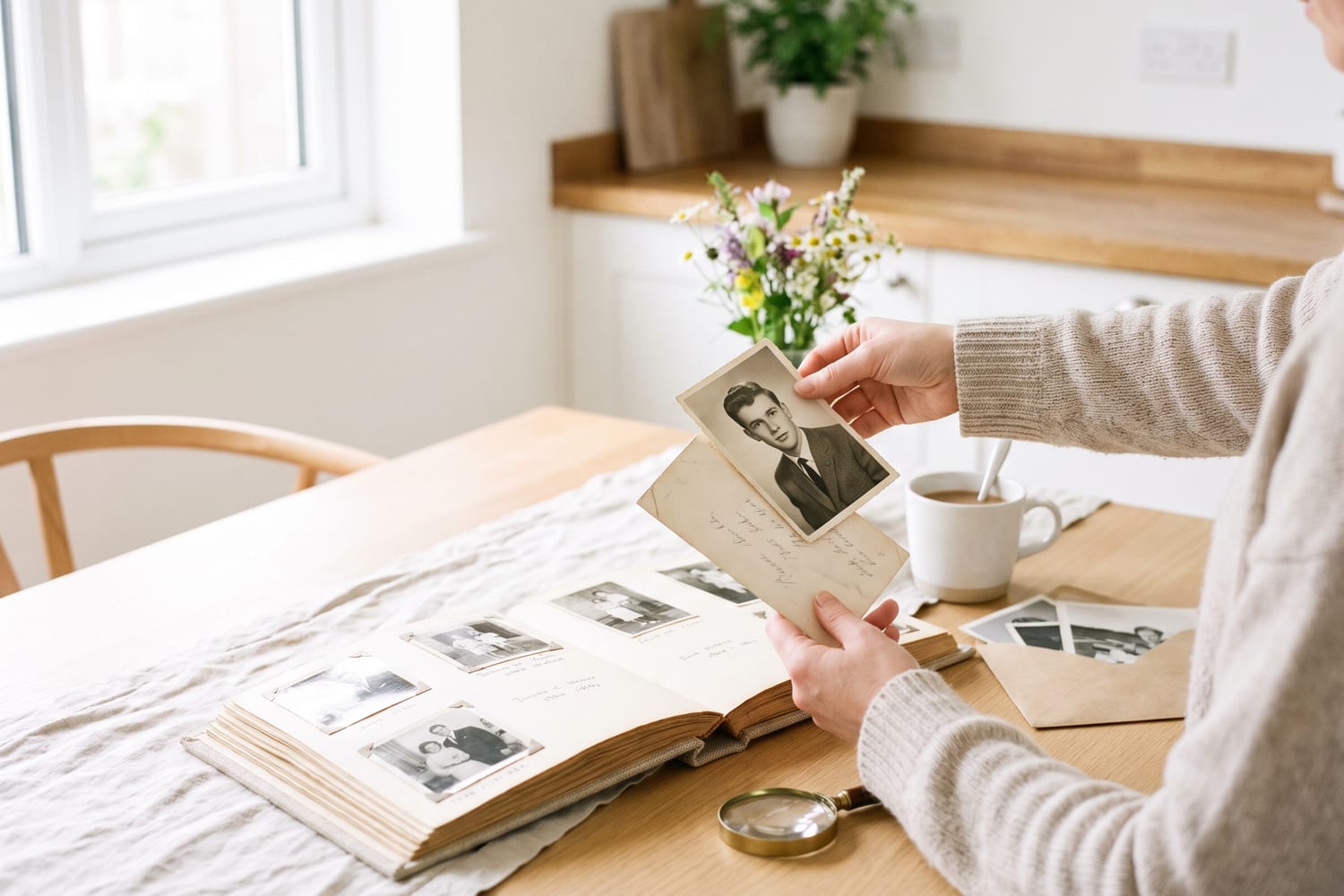
How to date an old family photo
The back of a print, its album page and the people beside it may narrow the date more than the clothes alone.
Everyday memories2 min read









Start with one Circle
Bring together the people, photos, voices and stories that matter.