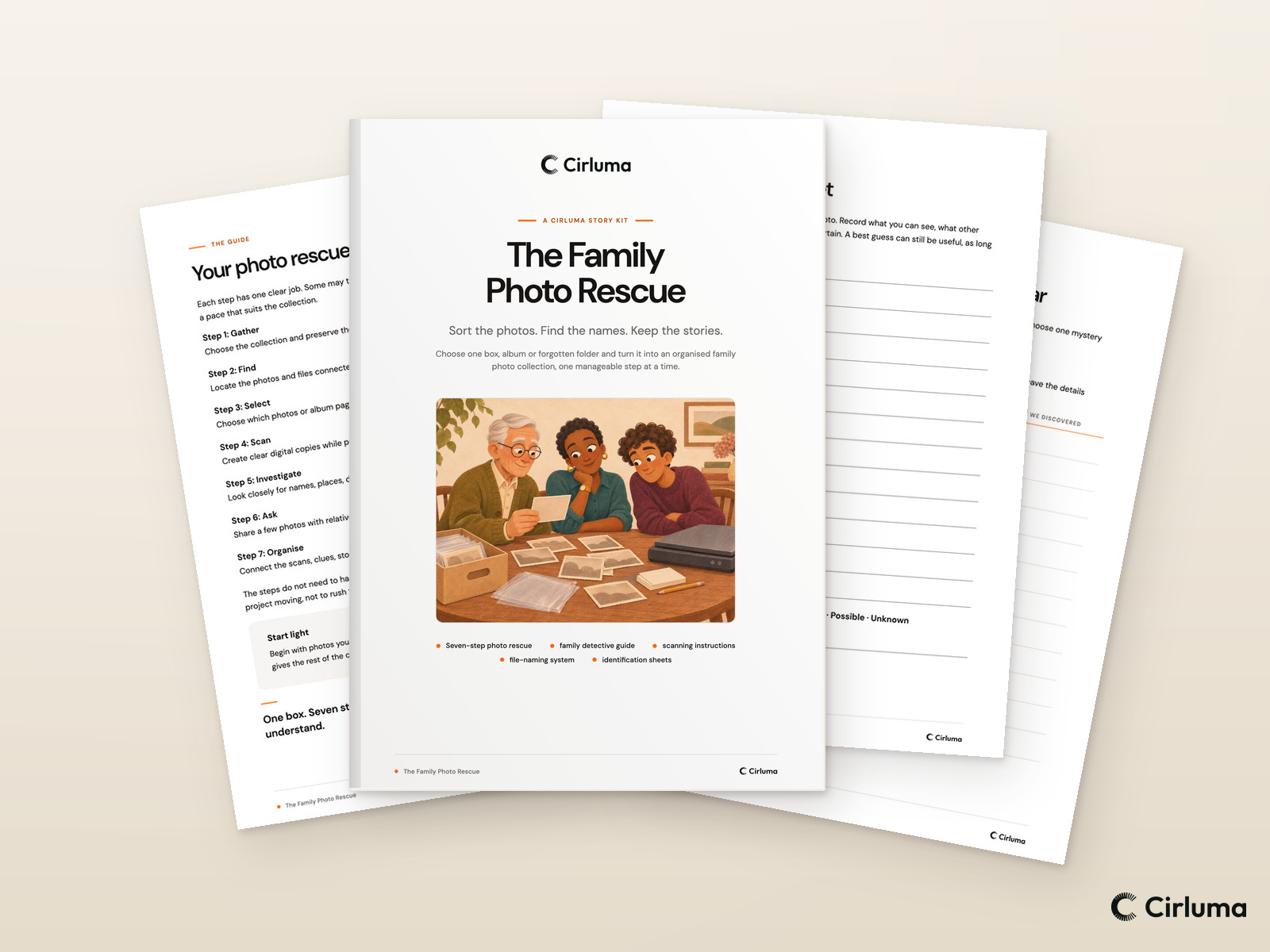
Sort the photos. Find the names. Keep the stories.
The Family Photo Rescue
Choose one box, album or forgotten folder and turn it into an organised family photo collection, one manageable step at a time.
What’s included
- A clear seven-step photo rescue plan
- Guidance for scanning with a phone or scanner
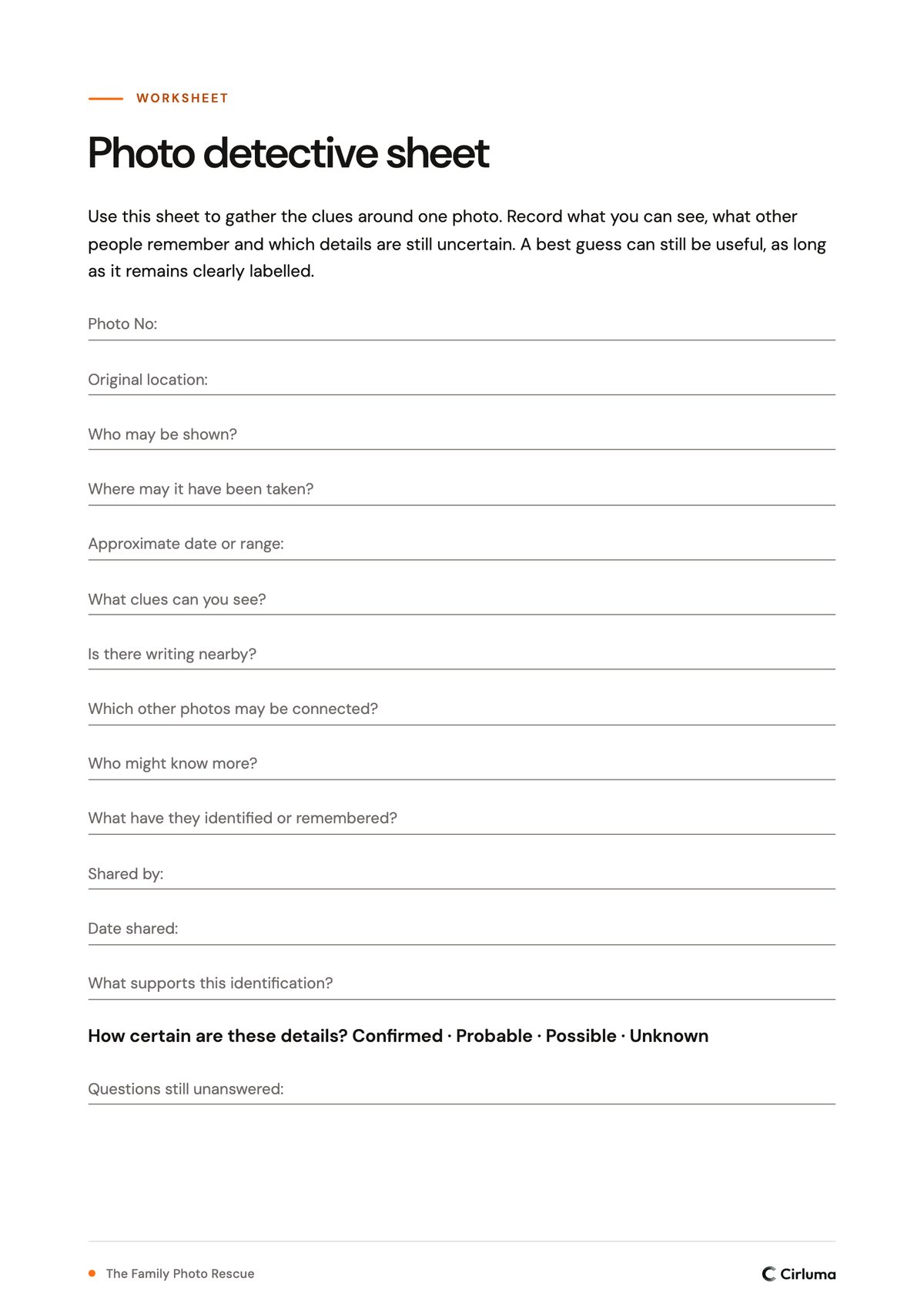
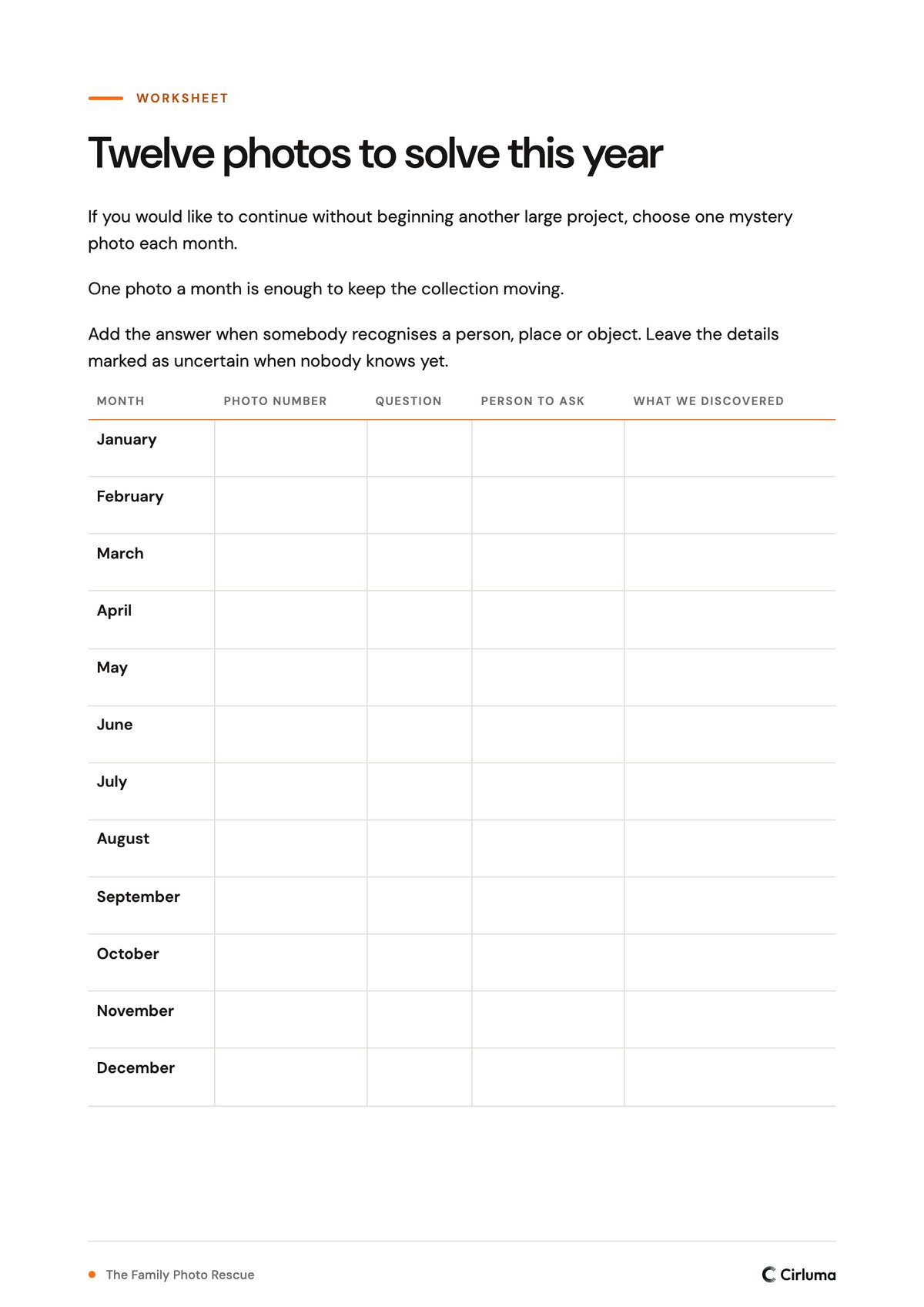
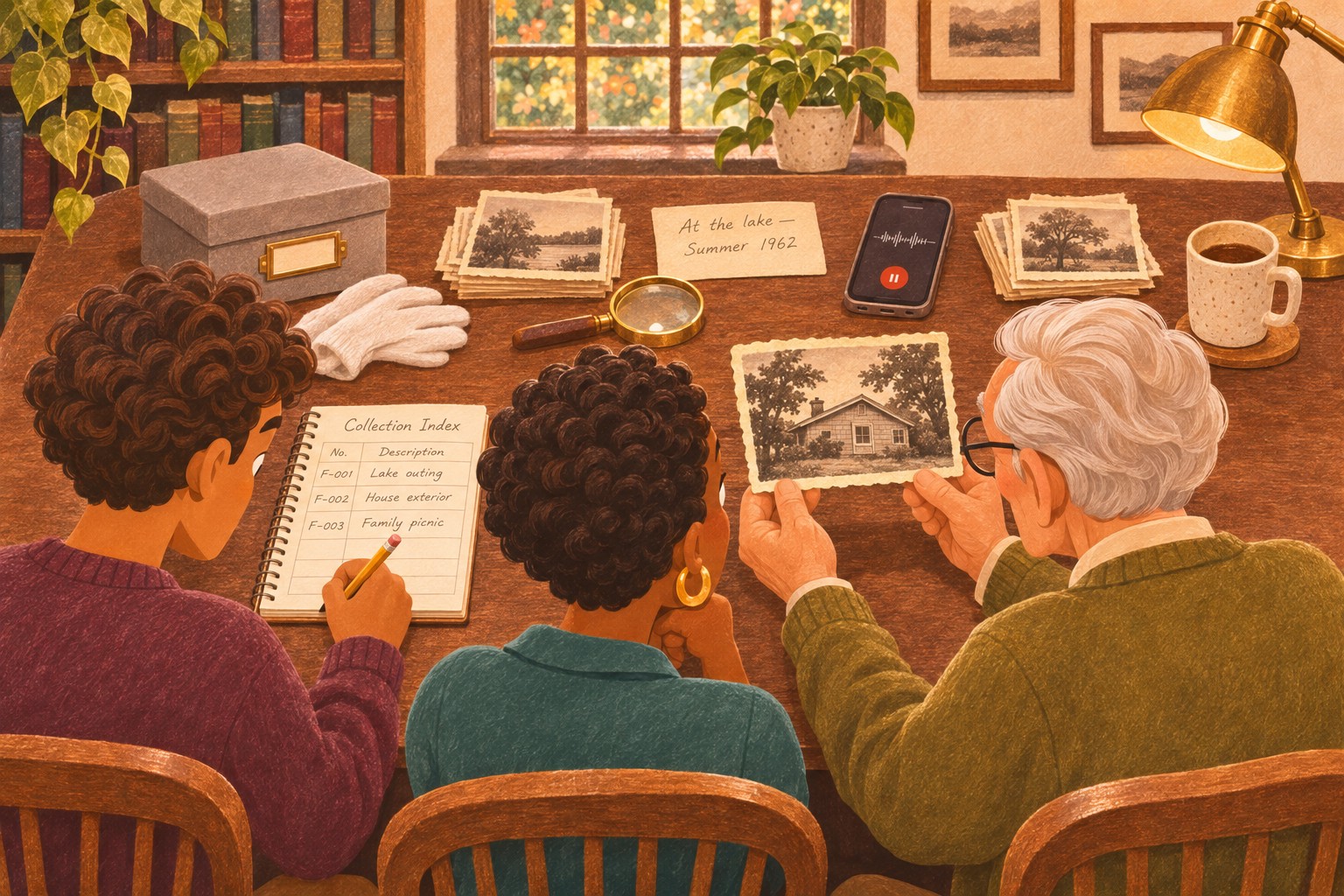
- Photo detective sheets for recording names, dates and clues
- A simple system for numbering, naming and backing up files
- Printable pages for questions, family recollections and unknowns
Digital PDF · Instant download · Print at home
£14.99
Secure payment · Instant digital download
- Printable PDF. No physical product will be posted.
- One-off purchase. No subscription required.
- Need help? We’ll put it right.
Questions? support@cirluma.com
Sound familiar?
Family photos are scattered across albums, drawers, old devices and folders with names nobody understands.
You recognise some of the faces, but not all of them. The relatives who might know more are still here to ask, and you do not want those answers to be lost.
You want to organise the photos properly without separating them from the names, clues and family stories that give them meaning.
How it works
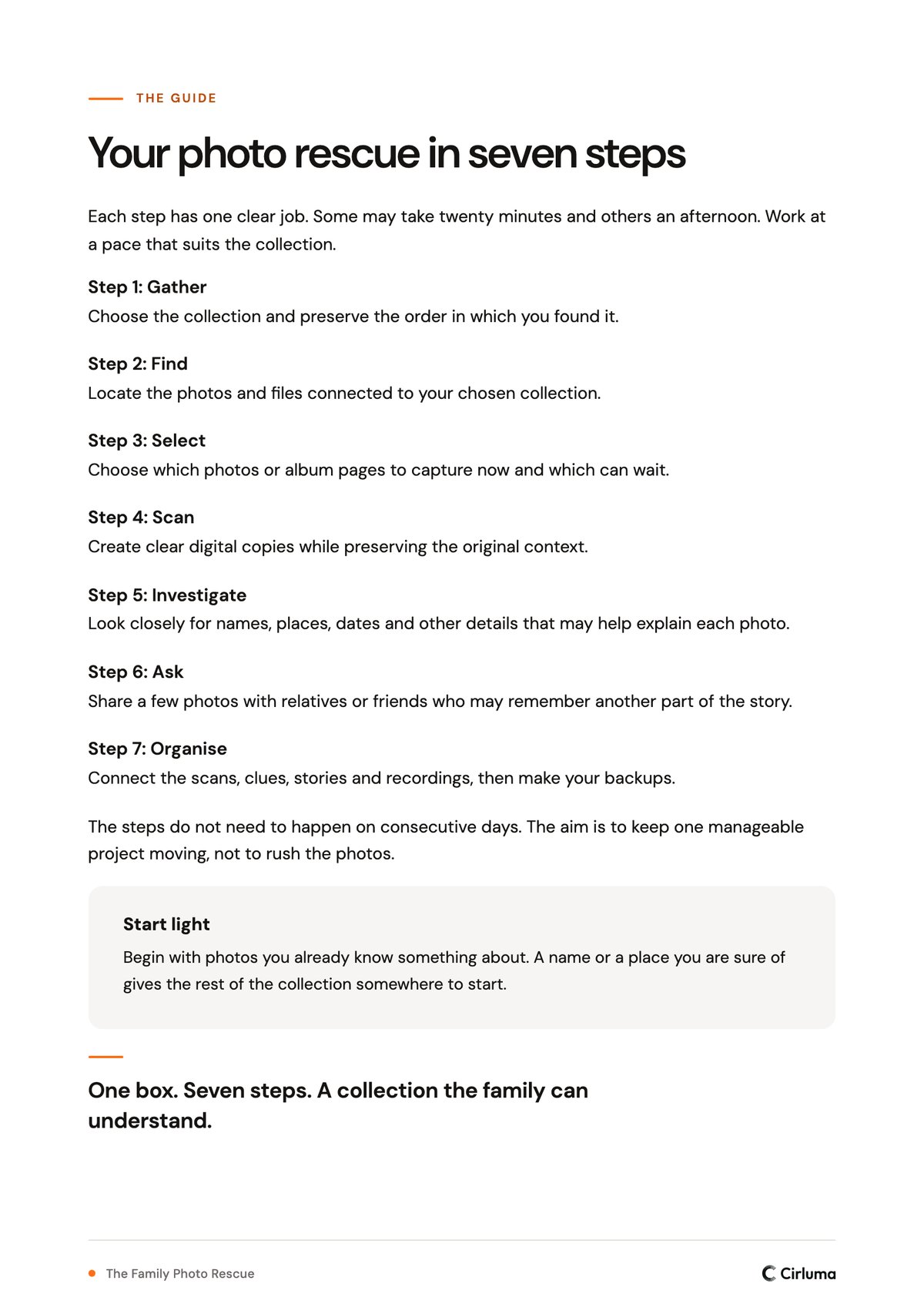
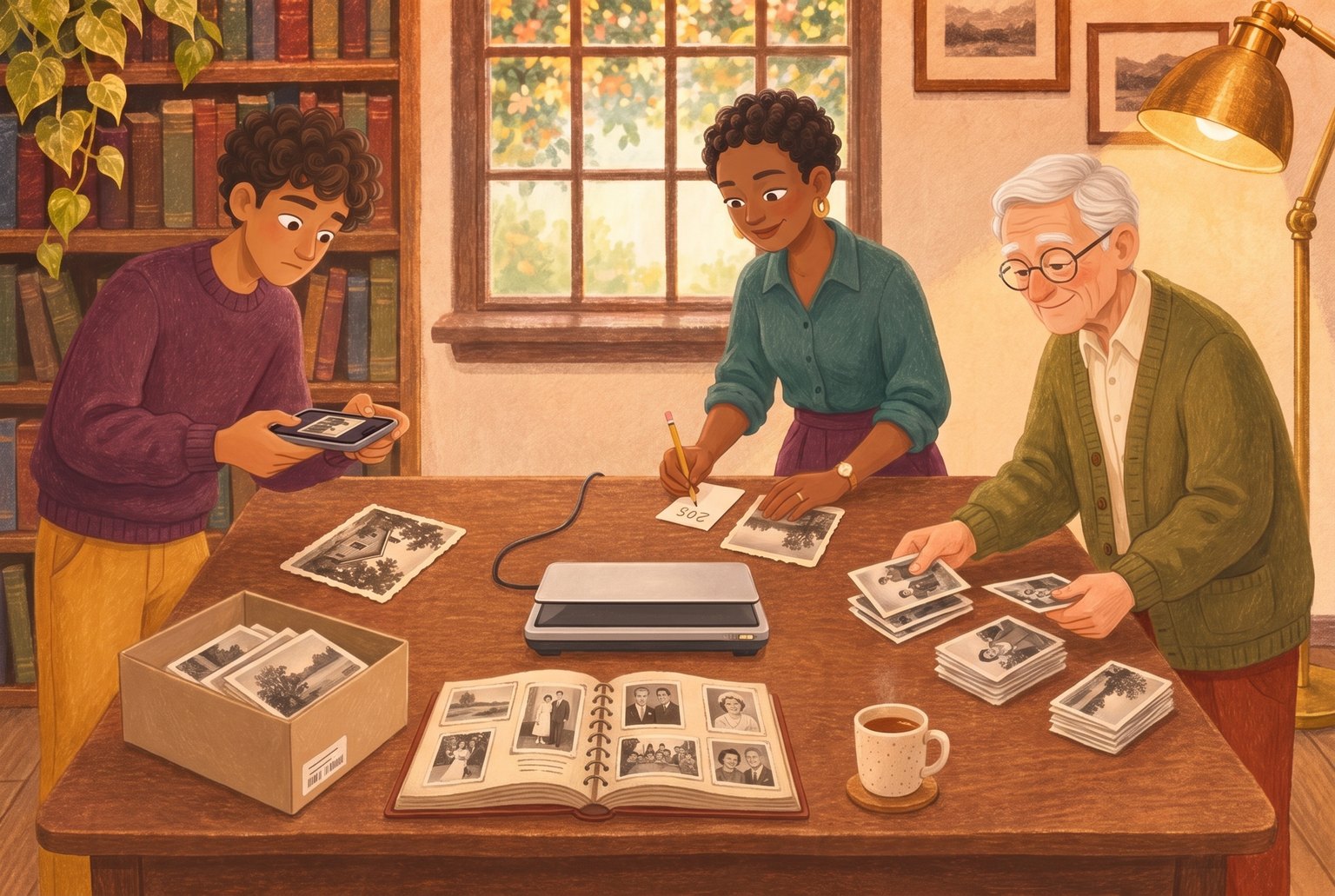
Seven clear steps turn one overwhelming collection into manageable jobs. Follow them in order, or return to a step whenever you need it.
Gather
Choose one box, album or folder for your first photo rescue.
Find
Bring together related photos, notes and digital files without letting the project grow too large.
Select
Decide what belongs in this collection and what can wait until later.
Scan
Create clear digital copies while preserving the clues on the originals.
Investigate
Use the details in each photo to explore who, where and when.
Ask
Invite relatives to add names, memories and different versions of the story.
Organise
Connect the photos with what you have learned, then name and back up the files.
A collection your family can understand
Bring together each photo and everything your family knows about it, from names and places to memories and recordings.
Keep each person’s version in their own words, even when relatives remember things differently.
Leave space for the questions no one can answer yet. Another relative may recognise the person, place or moment later.
Built on established practice
The method draws on established guidance for dating, digitising and investigating old family photos, with a clear way to separate evidence from family recollection.
This kit is for organising family photos. It is not conservation or data-recovery advice. If a photo or drive is fragile or damaged, ask a specialist.
Frequently asked questions
What will I receive?
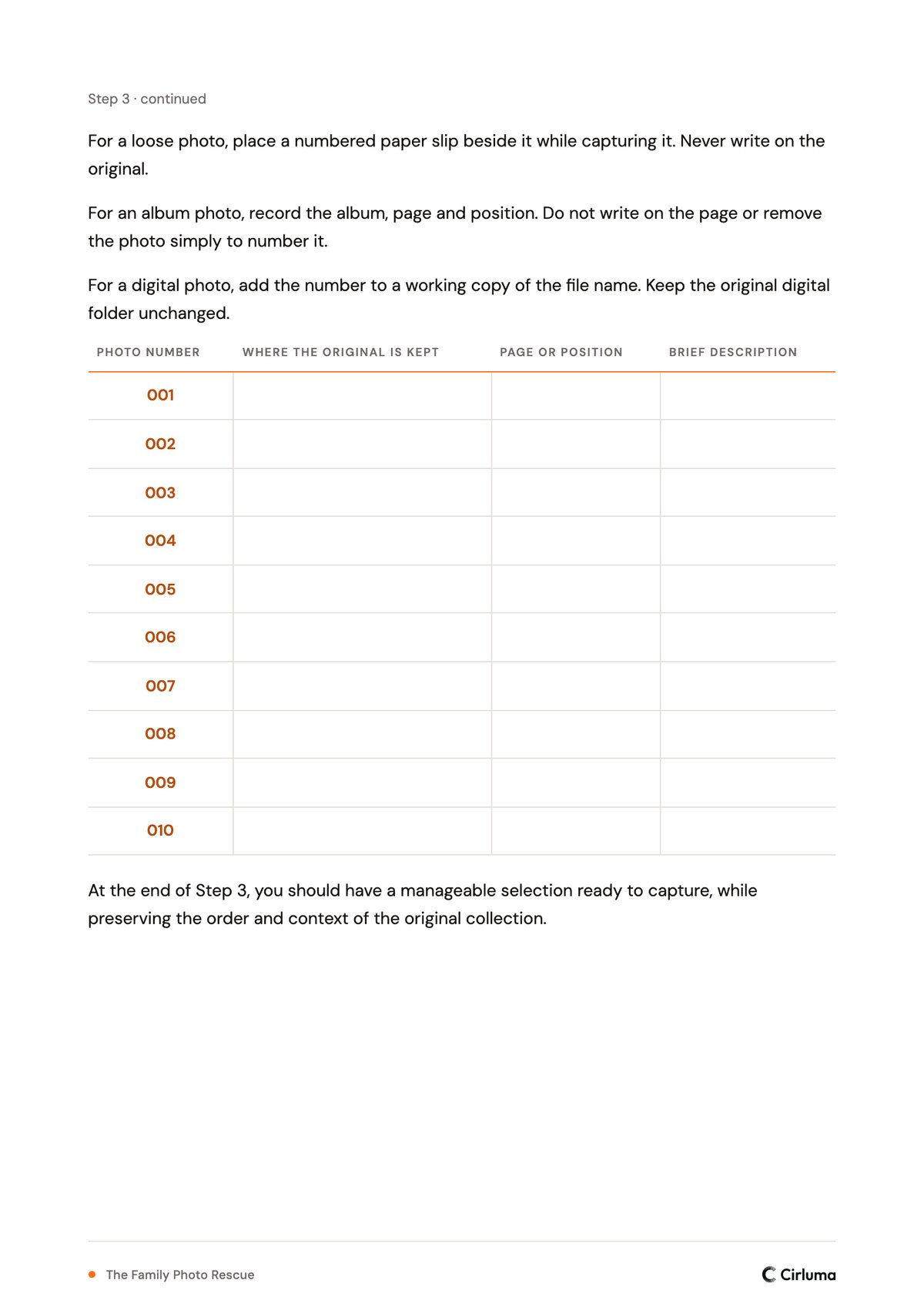
You will receive The Family Photo Rescue as a printable PDF, available to download immediately after purchase. It includes a seven-step rescue guide, finish-line page, scanning guidance, photo detective sheets, confidence scale, photo-numbering table, request log, pages for different family recollections and a system for naming and backing up your files. Nothing will be sent by post.
How many photos should I start with?
Start with one small, clearly defined collection. That might be one album, one envelope or around 20 to 50 loose photos. The kit includes a finish-line page to help you decide what belongs in the first rescue and what can wait. Finishing one manageable collection is more useful than beginning several boxes at once.
Can I print the kit more than once?
Yes. You may print copies for your own family use and share the PDF with relatives helping your family use the kit. The purchase does not allow resale, public distribution or commercial use.
What if I have a problem with my download?
Email support@cirluma.com using the email address from your purchase. We’ll help if you cannot access, open or download the PDF.
Sort the photos. Find the names. Keep the stories.
The Family Photo Rescue
Digital PDF · Instant download · Print at home
£14.99
Secure payment · Instant digital download
- Printable PDF. No physical product will be posted.
- One-off purchase. No subscription required.
- Need help? We’ll put it right.
Questions? support@cirluma.com
£14.99
Get the kit