Best private photo sharing apps for families who don't want their photos used to train AI
Choosing a private photo app is a decision about who sees your family's photos and what happens to them after you upload. Five questions to ask, the four kinds of app, and a checklist before you invite anyone.
Privacy and permissionsBy Joe Brazao4 min read
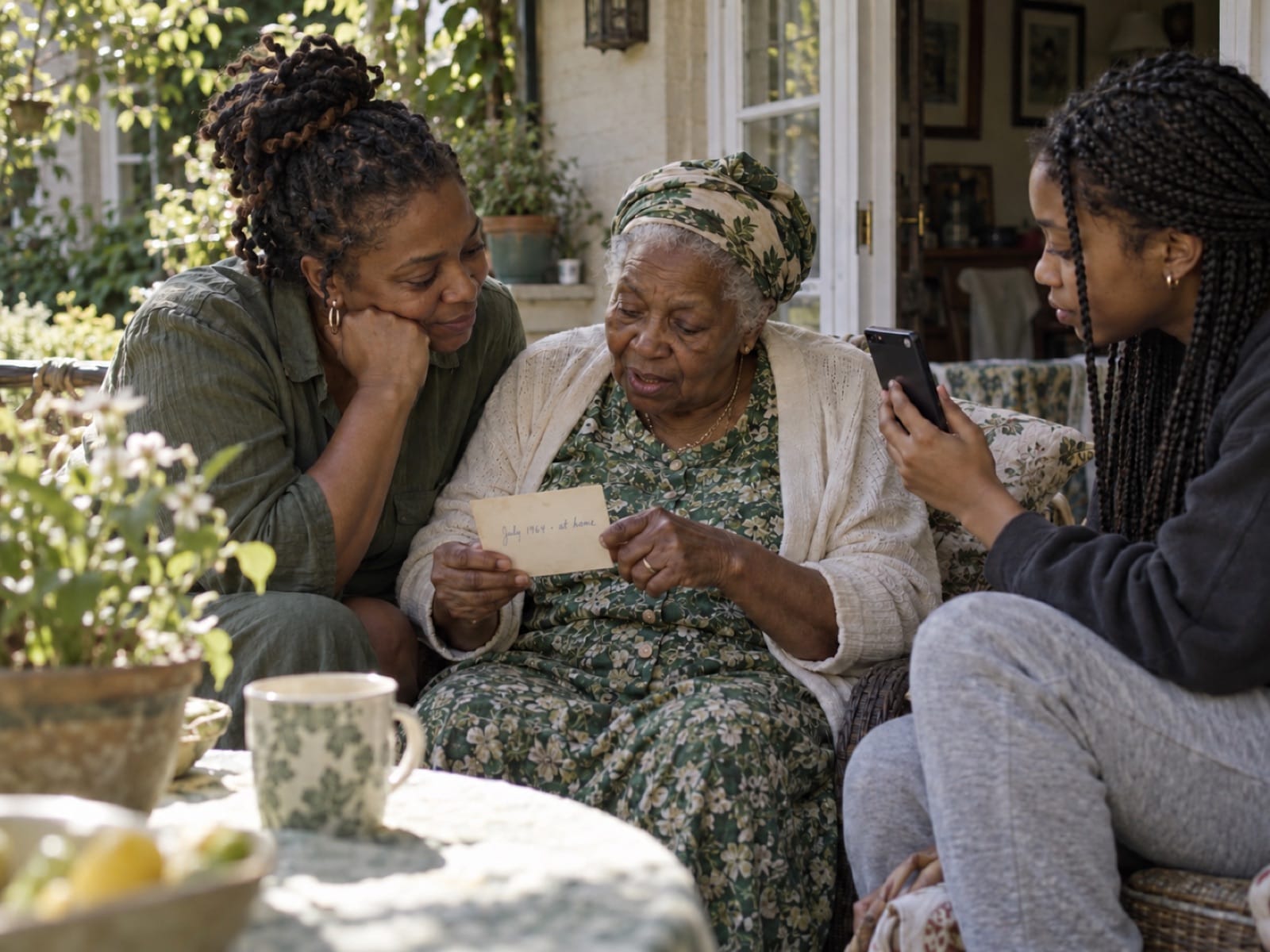
Most families keep their photos in four or five places at once. One person has the good ones on their phone. Someone else has the rest in a cloud account. A third lets everything land in a group chat. Choosing a private photo sharing app is really a decision about who gets to see those photos, and what happens to them after you upload.
This guide compares the options honestly: what each kind of app is good at, what to check before you invite relatives in, and why AI training sits at the centre of the decision.
What “private” means in a photo app
Private is one of the most overused words in app marketing. It covers at least three different things.
- A social timeline. Anyone connected to you sees what you post, unless you dig through the settings.
- Cloud storage with sharing switched on. The people you name can see the photos, but the service still holds and processes them on its own terms.
- A private Circle. Photos are shared only with the people you invite, and nowhere else.
Only the third is private in the way most families mean it.
The question most people forget to ask
Before you invite anyone, ask what happens to the photos afterwards. Some services use what you upload to improve their own systems. Some scan it to build profiles. Some say clearly that they do neither.
Cirluma states it in one line: nothing is public, and private Circle content is not used to train general-purpose AI models. Your Circle sees the photos and the memories attached to them. Nobody else does. Hold every other app to the same standard.
Five questions that separate the apps
Who can see the photos
Check whether sharing means everyone connected to you or only the people you name. Look for a model built around a closed group, not an audience.
What happens to what you upload
Find the sentence about AI training and data use. If it is buried three menus deep, that is your answer. If it does not exist, ask the company before you upload anything.
Who can add, and how easily
The point of a family app is that everyone contributes, not only the person who set it up. A relative in another country should be able to join from a link.
Does it work for the relative who is not technical
The person who remembers most is often the least likely to try a new app. Joining should take a link, an email address and a minute. After that, adding a name or a voice note should take seconds.
What you can do once the photos are in
Uploading is the easy part. Ask whether you can restore a print from a single phone photo, extend a photo to fit a frame, or ask who is in a photo nobody can place.
The kinds of app you are choosing between
Cloud storage with shared albums. Excellent at holding files and giving you space. Sharing is an add-on, so privacy depends on the settings you choose.
Messaging apps. Everyone already has one. The trade-off is that photos sink below the conversation, and nobody writes down who is in them.
Family apps. Made for relatives adding to a shared space, often with automatic sorting by date. A real step up, though business models vary, so read how each one handles your material.
Private Circle apps. The whole product is the closed group: you invite the people who were there, and they add their photos and memories. Cirluma is built this way.
Where Cirluma fits
Cirluma is a private Library for a Circle of family, friends or teammates. Anyone in the Circle adds photos from any year and tells the story behind them in writing or in their own voice. Every memory stays in the name of the person who shared it.
It is not an audience and it is not a shared folder. It is a place the group works on together. Cirluma restores a print from one phone photo, designed to keep faces recognisable to the people who know them. Ask Cirluma who is in a photo and it answers from what your Circle has already added.
Invited members join free. The relative who does not do apps can add a name or a voice note and be done. Grandad’s version, in Grandad’s voice.
Privacy, built in. Nothing is public, and private Circle content is not used to train general-purpose AI models.
A checklist before you invite anyone
- Who can see the photos by default, and is that the same as who you invited?
- What does the app do with your material, in one plain sentence you can find?
- How long does it take a relative to join and add something?
- Can people add what they remember, in writing or by voice?
- What can you do with a photo once it is in?
- What happens if you leave, and how do you take everything with you?
The short version
If you only need storage, a mainstream cloud service does it well. If you need a group adding to the same photos and keeping what they know with them, a private Circle does more. The test is the same either way: closed by default, honest about AI, and easy enough that the people you invite actually join.
Read the Journal on Google? Add Cirluma as a preferred source.
How to date an old family photo
The back of a print, its album page and the people beside it may narrow the date more than the clothes alone.
Everyday memories2 min read
How to make a life story book with someone living with dementia
Begin with one familiar photo and build a life story book at the person's pace, in their own words.
Stories and oral history2 min read











Start with one Circle
Bring together the people, photos, voices and stories that matter.